Live AI tools, clear pricing, and transparent policy pages Remove Backgrounds and Unblur Images with AI Use PicAha online to remove image backgrounds, unblur photos, and upscale blurry files with clean before-and-after previews.
Remove Background
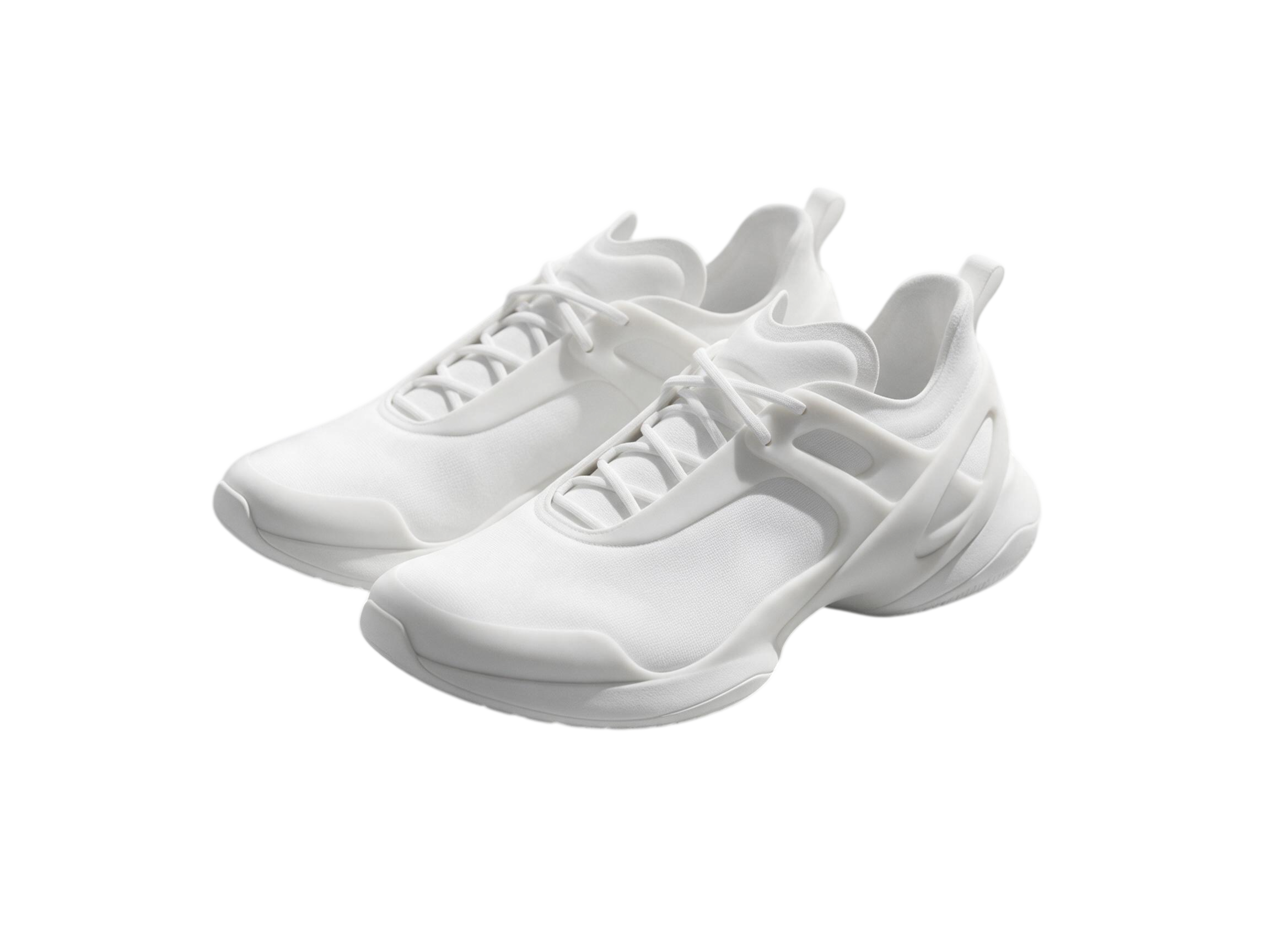
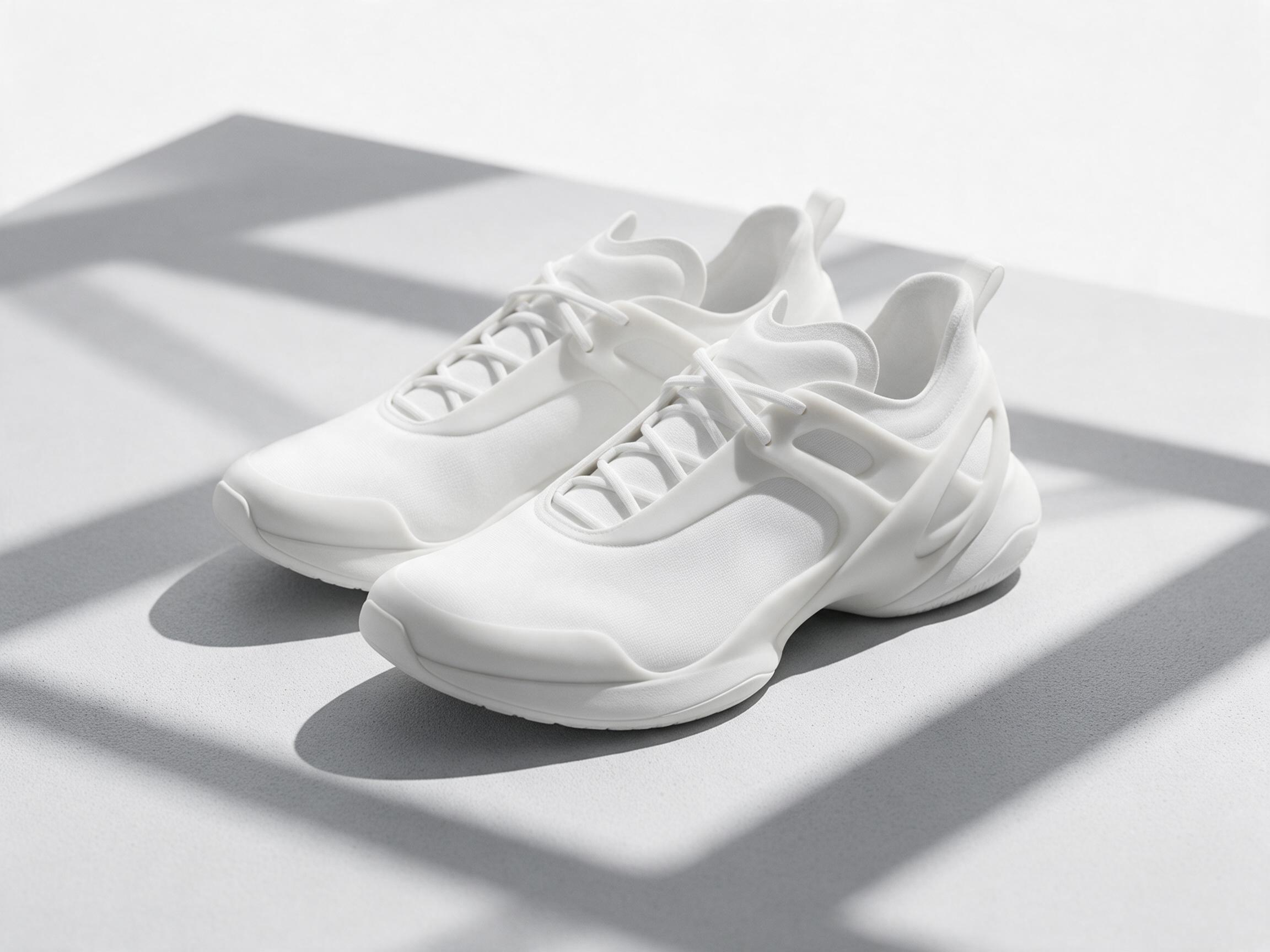
Use the background remover for clean cutouts Upload one image, isolate the subject, and download a transparent PNG. Open this workflow when you need a fast cutout for product listings, profile graphics, or simple design mockups.
Open Background Remover Unblur Image
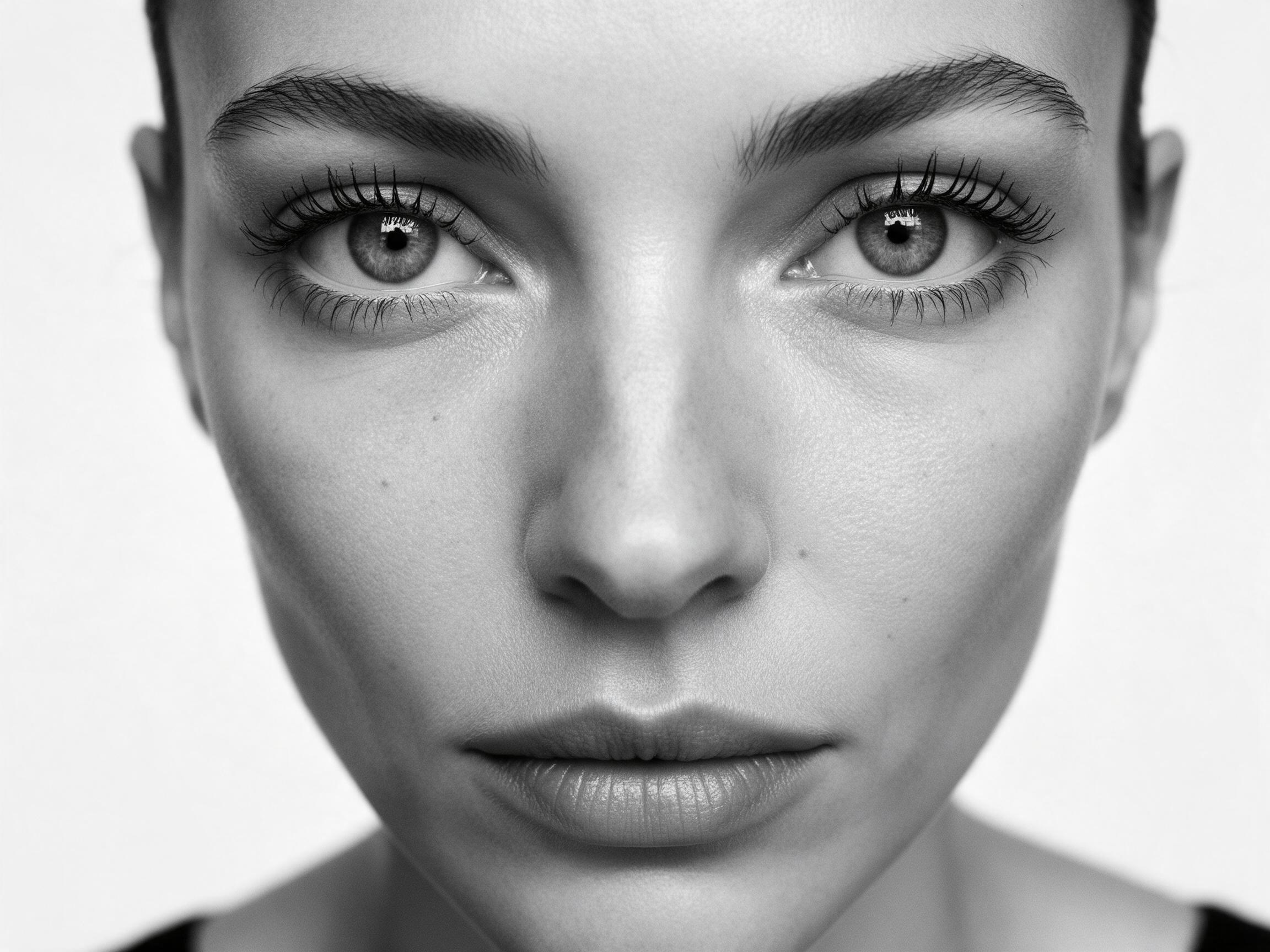
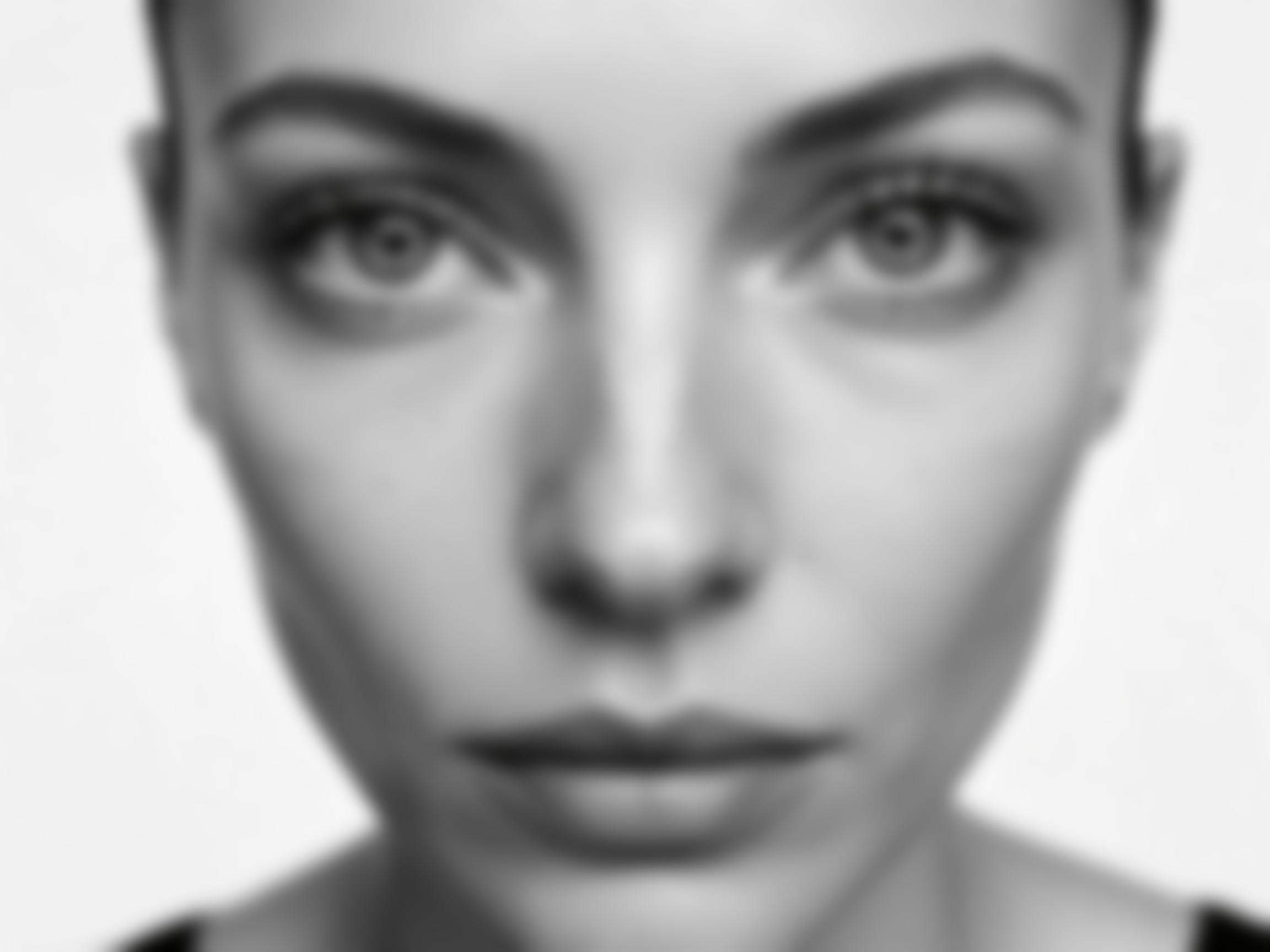
Choose AI unblur when a photo looks soft Use this tool to recover detail from blurry, compressed, or low-resolution images. Pick 2x, 4x, or 8x output, compare the restored result, and then continue into the full tool page for examples and settings.
Open AI Unblur Tool How PicAha works 1. Upload an image Start with a portrait, product shot, screenshot, or photo that needs cleanup.
2. Pick the right workflow Choose background removal for cutouts or image unblur for detail recovery and upscale.
3. Compare and download Review a before-and-after preview, then download the processed result when it looks right.
FAQ What AI image tools are live on PicAha today? PicAha currently offers two live tools: AI Background Removal and AI Unblur & Upscale.
Does PicAha process images online? Yes. The live tools use cloud AI processing so images are uploaded only for the requested workflow and then handled under the site's privacy policy.
How much do PicAha tools cost? Both live tools currently cost 1 credit per processed image. Credit packages are listed on the pricing page.
Start with the tools that are ready today. Remove backgrounds and unblur images today. Review pricing, policies, and support details before you need premium cloud workflows.
Explore Live Tools