PicAha Logo
PicAha

Unblur Image Online

Unblur images online with AI super-resolution. Sharpen blurry photos, upscale them 2x, 4x, or 8x, and compare the result before you download.

Parameters

Uses Real-ESRGAN AI model for super-resolution and detail recovery. Best for blurry, low-resolution, or compressed photos.

This operation uses AI cloud processing and costs 1 credit per image.

How to unblur an image

  1. 1.Upload a blurry, soft, or low-resolution image that needs more detail.
  2. 2.Choose 2x, 4x, or 8x upscale depending on how large the final output needs to be.
  3. 3.Enable face enhancement for portraits, then process and compare the before-and-after result.
Best use cases and output notes

Sharpen soft photos, recover detail from low-resolution images, and upscale blurry files before reuse. The model works best when the subject is still visible and the source image still contains some recoverable structure.

  • Blurry portraits, profile photos, and old family pictures.
  • Compressed website images, screenshots, and low-resolution exports.
  • Small images that need to look sharper in presentations, ads, or storefronts.

Output size and processing time both increase as you move from 2x to 8x. For very large files, start with 2x or 4x to preserve a smoother result and faster turnaround.

Formats, limits, and settings

  • Supported file types: JPG, JPEG, PNG, and WEBP.
  • Maximum upload size: 20MB per image.
  • Upscale options: 2x, 4x, and 8x depending on output size needs.
  • Processing type: cloud AI workflow charged at 1 credit per image.

When to start with 2x or 4x

If you are restoring a screenshot, social image, or photo that already has visible JPEG artifacts, start with 2x or 4x before trying 8x. Smaller upscale settings usually keep the result more natural and reduce processing time.

Use 8x only when the source image is still fairly clean and you genuinely need a much larger export. That setting can produce very large files and longer waiting times.

Example result

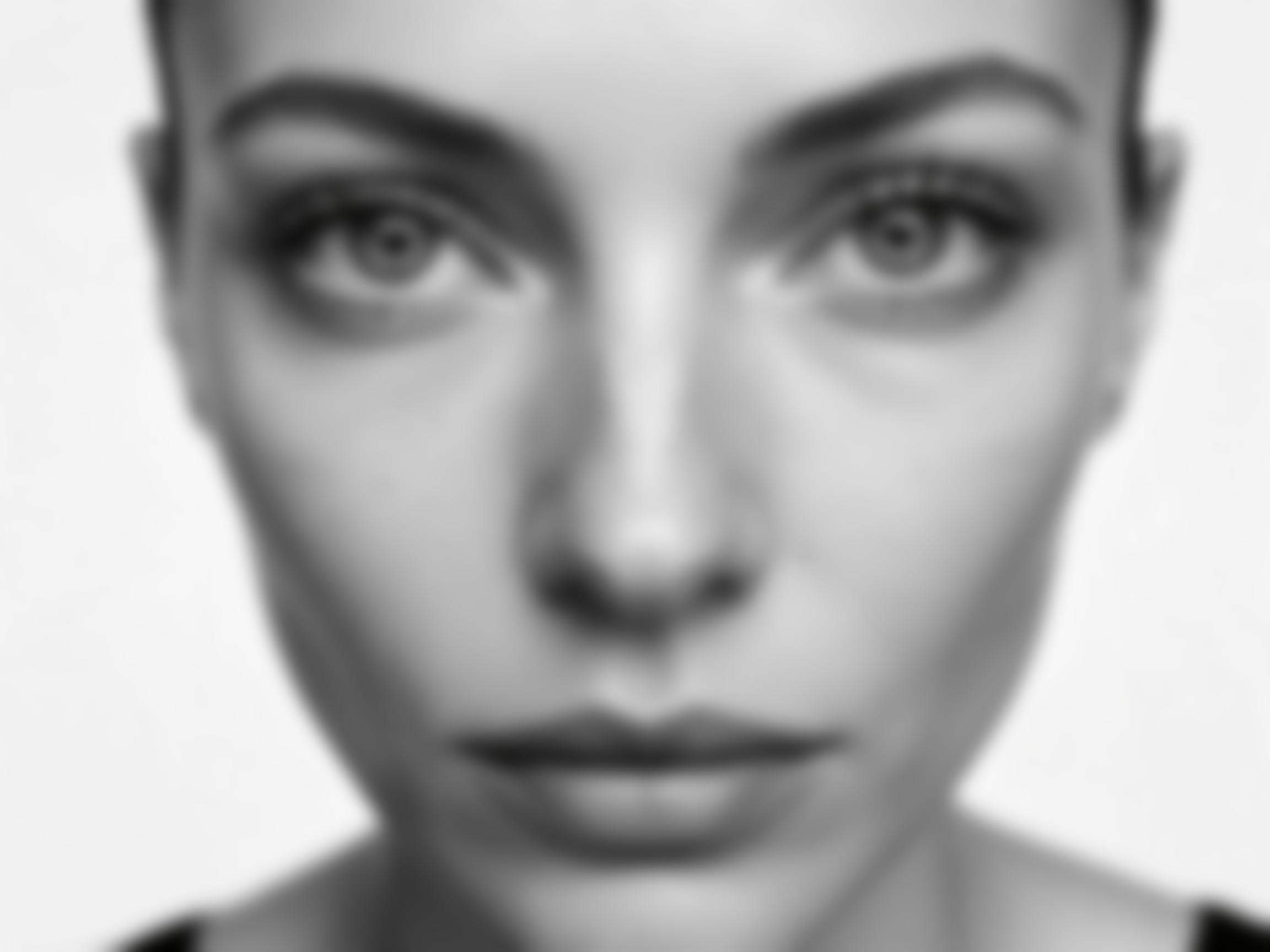
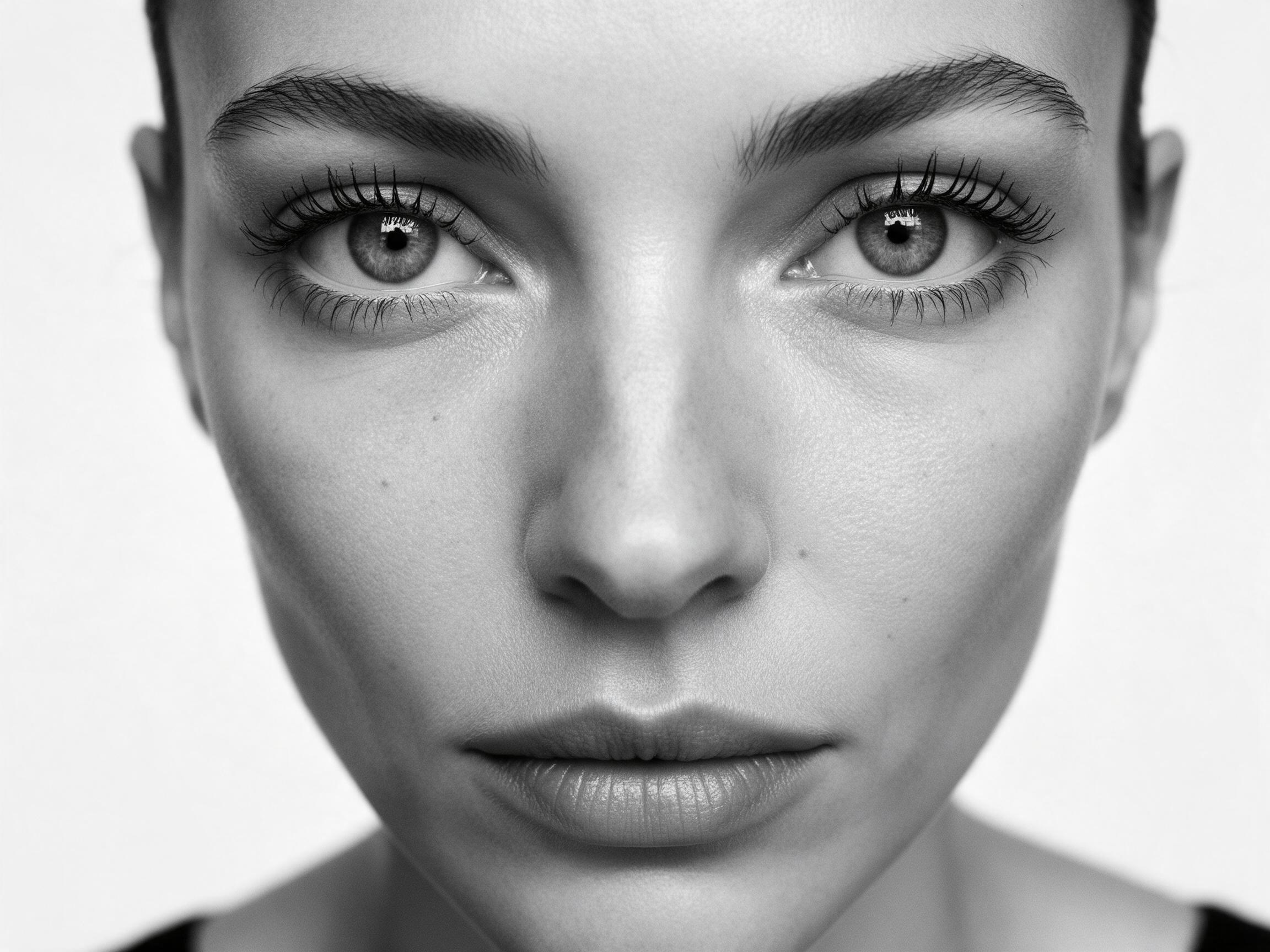
A good result usually means a cleaner portrait, stronger edge definition, and a larger export that is easier to reuse in landing pages, ads, or social graphics.

What to look for

  • Sharper eyes, hair edges, and clothing details.
  • Cleaner outlines around the main subject after upscale.
  • Less softness when the image is reused at a larger size.

The best results usually come from images that are soft or compressed, not completely destroyed. AI can recover structure that is still faintly present, but it cannot reconstruct every missing detail perfectly.

Portrait rescue for profile photos

A soft portrait can often recover cleaner facial detail when the eyes, hairline, and overall face shape are still visible in the source image.

Best for selfies, profile photos, and old family portraits.

If the source face is extremely tiny or strongly motion-blurred, the result can still look synthetic.

Small marketing images before reuse

Low-resolution social assets and exported graphics often benefit from 2x or 4x upscale before they are reused in landing pages, ads, or storefront banners.

Best for web graphics, screenshots, and compressed exports.

Heavy JPEG artifacts may improve, but some blockiness or halos can remain.

Related AI image tools

If your image also needs subject isolation after sharpening, PicAha's background remover can help you export a transparent PNG for profiles, social graphics, and ecommerce layouts.

FAQ

What does the AI Unblur tool do?

It restores blurry images with super-resolution, increases pixel detail, and can enlarge the final file at the same time.

When should I use face enhancement?

Turn it on for portraits and selfies. Leave it off for products, screenshots, or graphics that do not contain a face.

Does unblurring always recover every detail?

No. AI enhancement improves many soft or compressed images, but extremely damaged, tiny, or motion-blurred files may still have visible artifacts.

What file types are supported?

PicAha accepts JPG, JPEG, PNG, and WEBP uploads up to 20MB per image.

Which images work best?

This tool works best when the subject is still visible and the original image still contains some recoverable structure, even if it looks soft or compressed.

How much does it cost?

The live AI unblur workflow currently costs 1 credit per processed image.

Is the image processed online?

Yes. The current image unblur workflow uses cloud AI processing to run the requested enhancement and upscale job.