PicAha Logo
PicAha

Remove Background from Image Online

Remove image backgrounds online with AI, review the cutout in a before-and-after slider, and download a transparent PNG in seconds.

Parameters

The AI model has no adjustable settings. It returns a transparent PNG, ready to composite on any color. Best for portraits and clean subject photos, including many simple product shots. Complex edges, reflective surfaces, and transparent materials may vary.

How to remove a background

  1. 1.Upload a portrait, product, or clean subject photo in JPG, PNG, or WEBP format.
  2. 2.Let PicAha separate the main subject from the background with the online AI cutout workflow.
  3. 3.Review the before-and-after preview, then download a transparent PNG when the edges look right.
Best uses for background removal

Remove a busy or distracting background without opening desktop editing software. Upload a photo, isolate the main subject with AI, and review the cutout before you download the transparent PNG.

  • Create transparent PNG cutouts for portraits, avatars, and profile photos.
  • Prepare clean subject images for ecommerce cards, marketplaces, and product mockups.
  • Remove distracting backgrounds before using an image in posters, social posts, and simple composites.

Privacy and processing

PicAha uses cloud AI processing for the live cutout workflow. The image is uploaded only to complete the requested job, so you can inspect the result quickly and decide whether the cutout is ready for reuse.

If your photo contains soft edges, semi-transparent materials, or a background with a similar color to the subject, inspect the output carefully before final use.

Formats, limits, and output

  • Supported file types: JPG, JPEG, PNG, and WEBP.
  • Maximum upload size: 20MB per image.
  • Output format: transparent PNG for easy reuse on any background.
  • Processing type: cloud AI workflow charged at 1 credit per image.

Example result

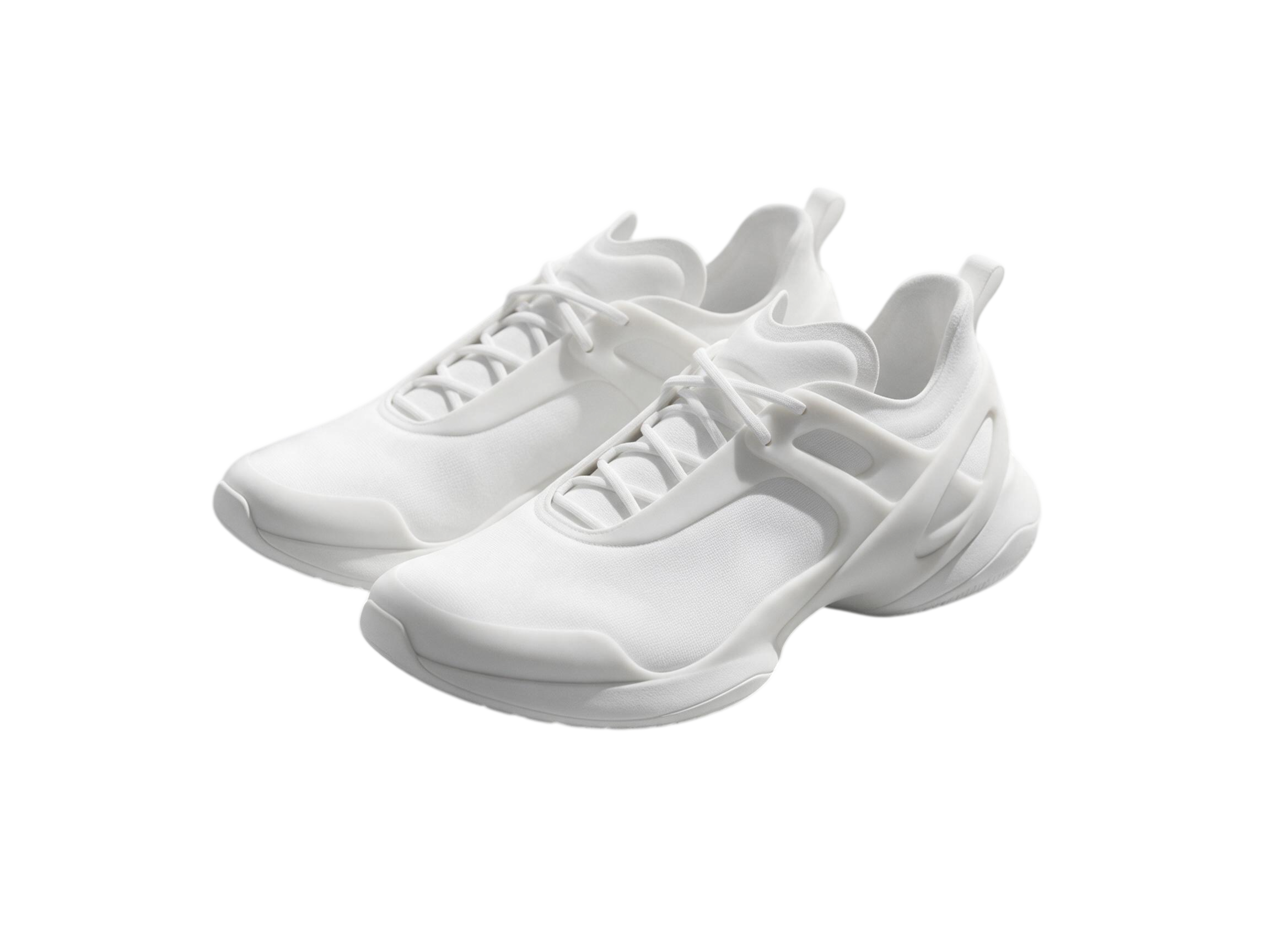
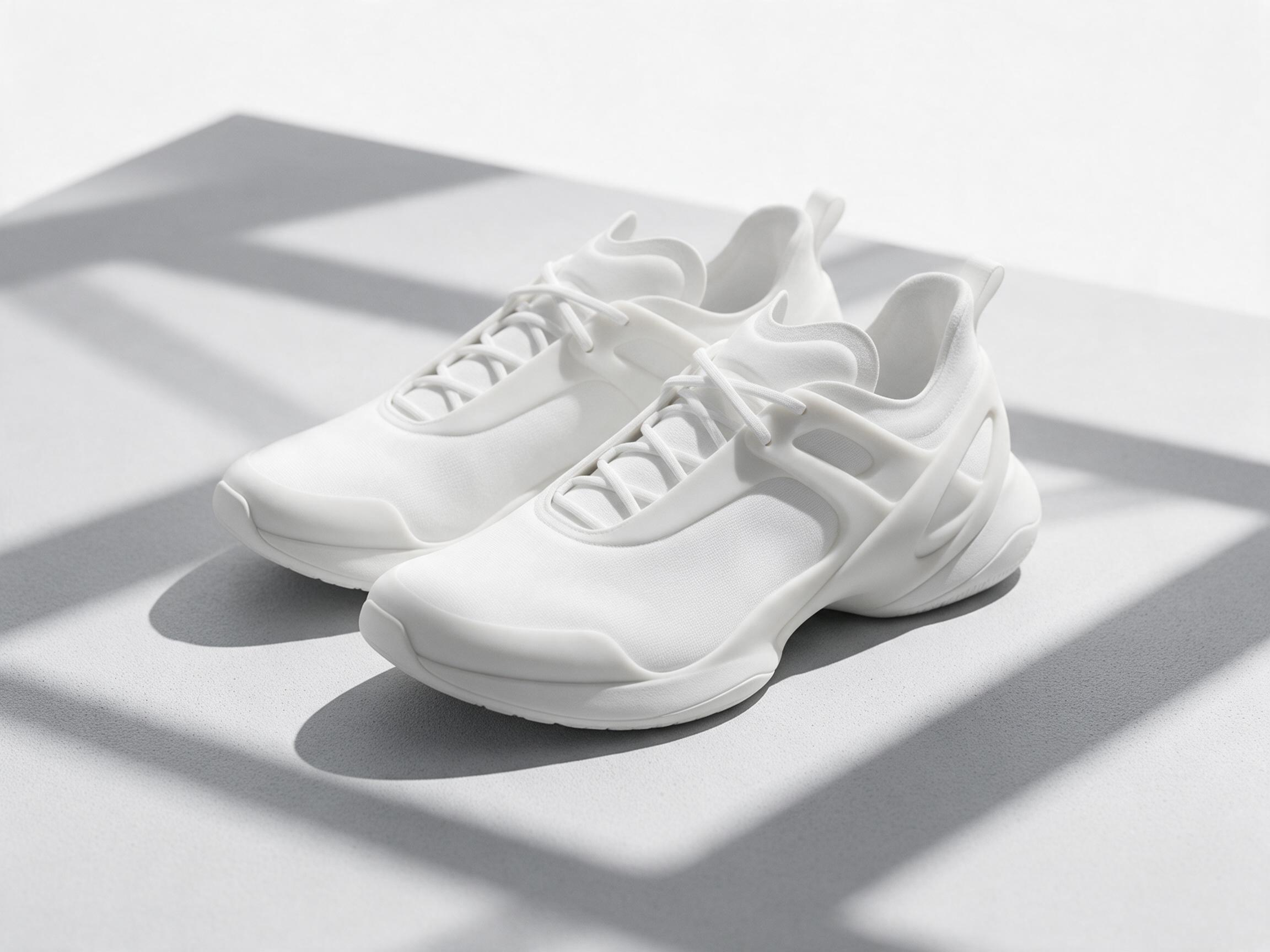
A clean cutout keeps the main subject intact while the distracting background is removed and replaced with transparency, making the file easier to reuse in profile graphics, mockups, and simple composites.

What to inspect before download

  • Hair edges, clothing outlines, and shadow transitions.
  • Transparent or reflective areas around the subject.
  • Any leftover background fragments near complex edges.

If the subject blends into the background, try a cleaner input photo or review the export carefully before using it in a polished design or ecommerce listing.

Portrait cutouts for avatars and bios

A clear portrait with visible hair and shoulders usually produces a clean transparent PNG that is easy to reuse in profile graphics and simple collages.

Best for portraits, headshots, and people photos with clear subject separation.

Fine hair, veils, and semi-transparent details may still need closer review after export.

Simple product photos for ecommerce cards

Clean product shots can work well when the item is clearly separated from the background and does not rely on complex reflections or transparent materials.

Best for straightforward product photos, catalog images, and listing mockups.

Glass, reflective packaging, and deep natural shadows can still make the cutout less precise.

Related AI image tools

If your photo looks soft or compressed after the background is removed, you can also use PicAha's AI unblur workflow to sharpen details and upscale the final image before reuse.

FAQ

What files does the background remover return?

The processed result is returned as a transparent PNG so you can place it on any background color or design layout.

Which photos work best?

Clear portraits and clean subject photos usually work best. Product photos can also work when the subject is clearly separated from the background. Busy edges, transparent objects, or highly complex hair can still need manual cleanup afterward.

How much does it cost?

The live background removal workflow currently costs 1 credit per processed image.

What file types are supported?

PicAha accepts JPG, JPEG, PNG, and WEBP uploads up to 20MB per image.

Does it work for product photos?

Yes, it can work for product photos when the subject is clearly visible and separated from the background. Complex reflections, transparent materials, and soft shadows may still need extra cleanup.

Is my image processed online?

Yes. The live background removal workflow uses cloud AI processing so the image is uploaded only to complete the requested cutout job.